3D Coverflow Slider

Smart Profix

 Forgot password?
 Register
Search
View: 558|Reply: 0

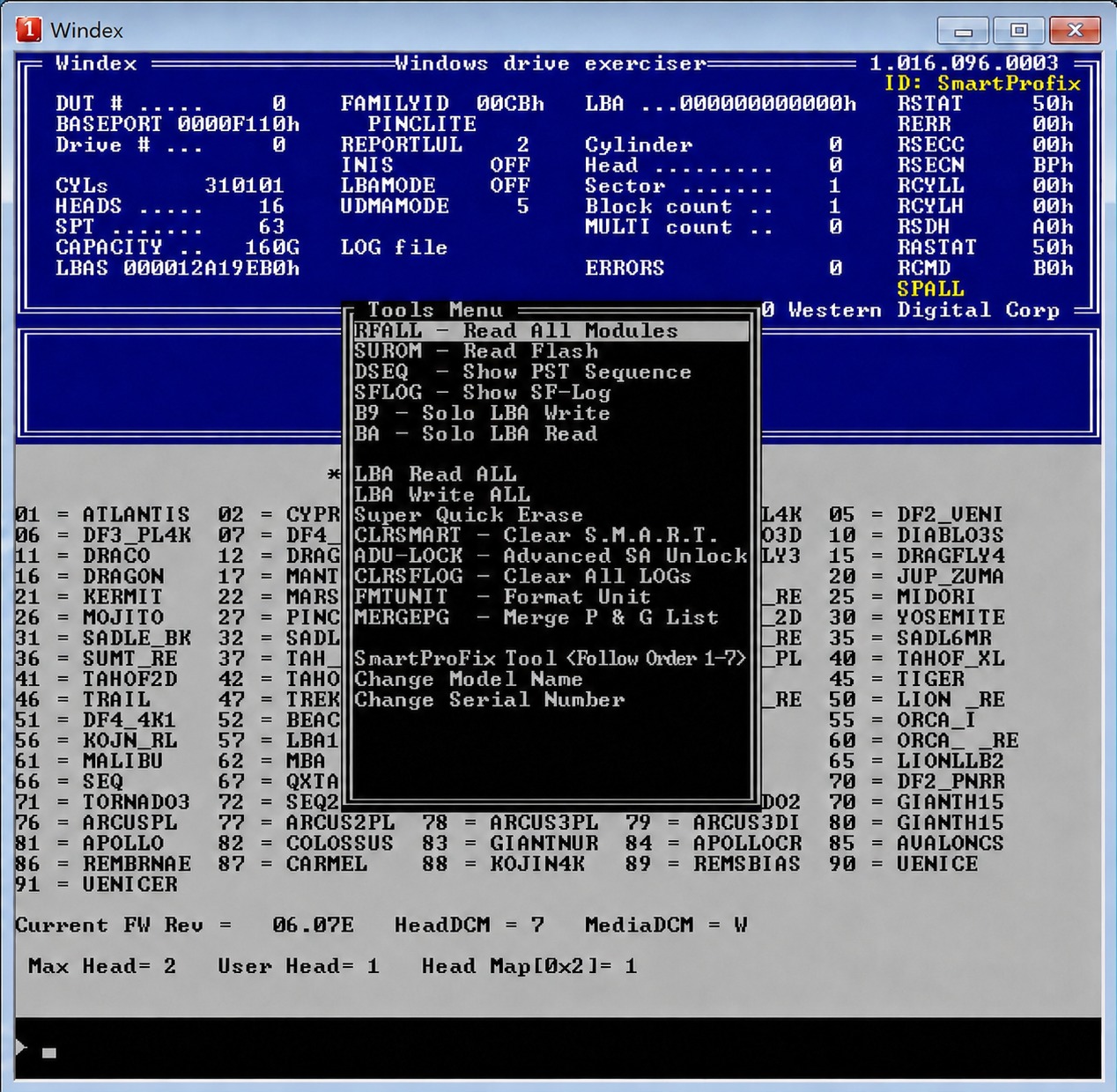
[WD Explanation] Hdd modules structure

[Copy link]

883

Threads

7

Posts

2898

Credits

Administrator

Rank: 9Rank: 9Rank: 9

Credits
2898

 Egypt

Post time: 2024-05-29 23:11:38
| Show all posts |Read mode
The modules in the hard drive are divided into:
ROM modules and Service area modules
We first learn about the types of modules, as modules are divided into three types


1- Important modules for operating the hard drive
If any of these modules are damaged, this affects the operation of the hard drive partially or completely. Examples include modules 01, 02, 03.


2- Functional modules
These modules have specific functions in the hard drive, and their damage does not affect the operation of the hard drive, like Module 28
Guest, if you want to see the hidden content, please Reply


We return again to dividing the modules on the hard disk


Rom modules


The ROM consists of a group of modules, namely modules 0A, 0B, 0D, 30, 47, 4F. In addition, it is in the board.
1640 Above, two modules are added: 01, 20B.


Service area modules


After we got to know the ROM modules, we find that all the modules below that are included in the Service Area modules.
Such as module 01, module 02, overlays moules, and so on

New Page 1

FOR DOWNLOAD  PRESS HERE TO ADD POINTS

Reply

Use magic Report

You have to log in before you can reply Login | Register

Points Rules

Archive|Mobile|Dark room|Smart Profix

2026-04-15 14:33 GMT+2 , Processed in 0.048916 sec., 12 queries .

Powered by Discuz! X3.4 Release 20230520

Quick Reply To Top Return to the list
SmartProFix Support

👋 Hello! How can we assist you today?