
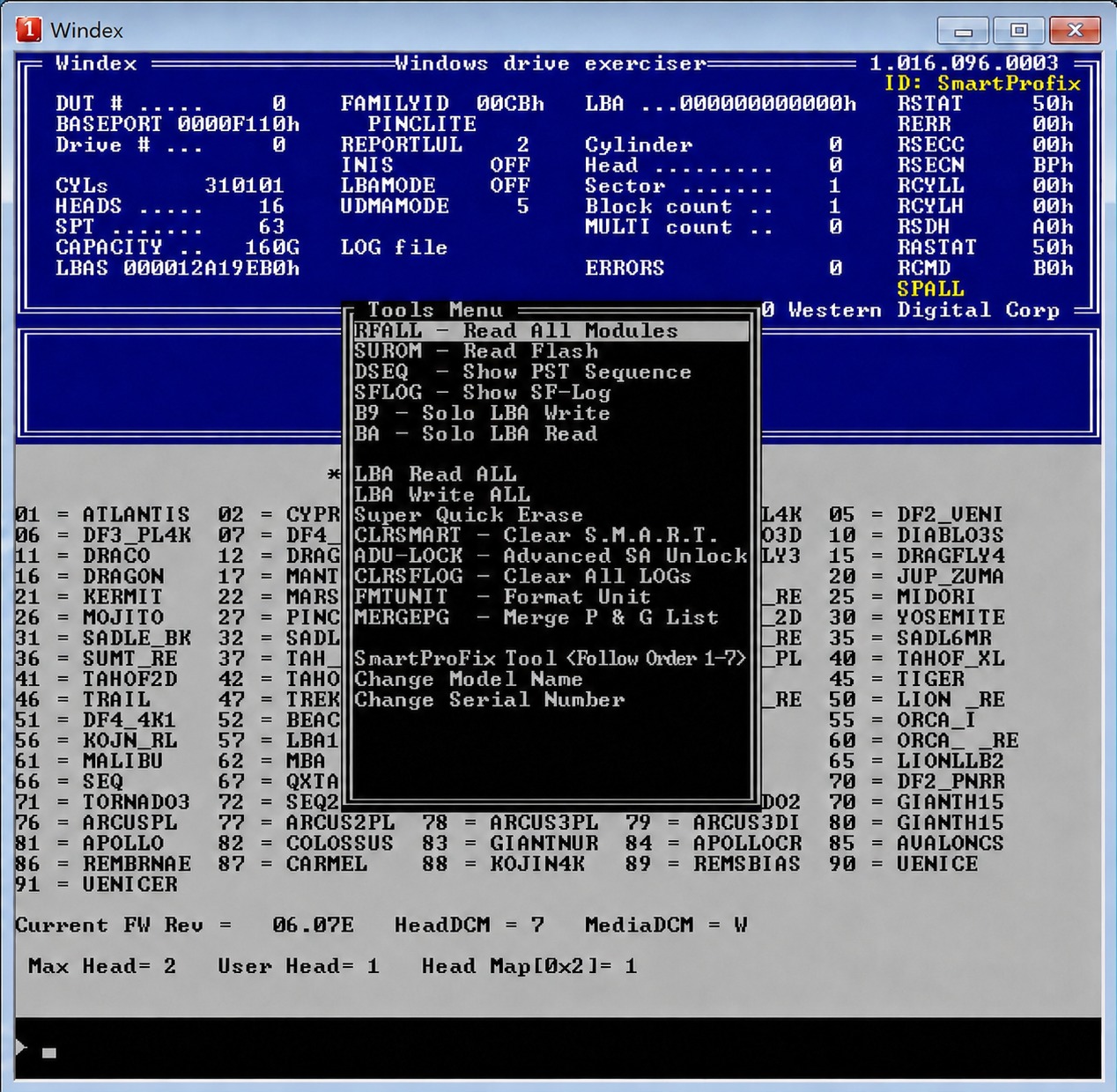
How does Western Digital's SMR (Shingled Magnetic Resonance) hard drive sector zeroing work?
Can data be recovered after formatting and deleting data from an SMR hard drive?What does "zeroing out the underlying disk" mean?
Why can't data recovery software recover anything?
This article discusses the technical principles of SMR hard drives and provides solutions for
recovering data from a damaged or formatted Western Digital SMR190 drive with a full disk error (zero data) .
When discussing Western Digital SMR (Shingled Magnetic Residual Electric)
hard drives, it's essential to understand the Level 2 Decoding Table (LBA) firmware module 190.
This LBA, stored within module 190, translates physical addresses into logical addresses (LBAs).
The physical address here is not a C/H/S address, but rather a wattage/offset/size.
It also records which LBAs have allocated addresses and which do not.
When reading an allocated LBA, the hard drive head reads the data from the disk platter and returns it to the host.
When reading an unallocated area, the hard drive does not read the platter and directly returns a sector of all zeros.
[*] Common Problems with the Level 2 Decoding Table:
1. Due to the large size of the Level 2 decoding table, an unexpected interruption during the write process can lead to data inconsistency and logical errors.
2. Bad sectors in the firmware area can render some sectors of the Level 2 decoding table unreadable.
3. Failures such as head malfunctions can cause the Level 2 decoding table to become unreadable, prompting the hard drive to automatically rebuild the decoding table.
4. User deletion or formatting of the partition.
5. Manual rebuilding or clearing of the 190's own data.
The probability of any of these five situations occurring is very high; any one of them will result in the underlying sector data being zeroed out.
**** Hidden Message *****
** Internal Structure of Module 190
[*]File Header Structure (Address: 0):
0-3: File header version "ROYL"
4-4: File header type, 1=General, 2=PS, 3=Overlay, 4=Flash
5-5: Reserved, unused.
6-7: File header size
8-9: Module ID (0x190) OxOA-OxOB: Lower 16 bits of the module sector
number. (Because the module length exceeds the 16-bit range, the higher
bits are not recorded)
OxOC-OxOD: Unused (checksum value in other modules)
[*]TIS Data (Address: 0xE3D000)
The data start address is not fixed; different families have different
addresses.
TIS Header (0xE3D000)
0-2: TIS Identifier
0x10-0x11: Current TIS sector address.
TIS data (0xE3D000 + 0x200)
0-3: Block size
4-7: Number of blocks
~: TIS data section
[*]Block data:
The data begins after the TIS data ends.
good lesson
page:
[1]