WDR program explanation series, lesson 2
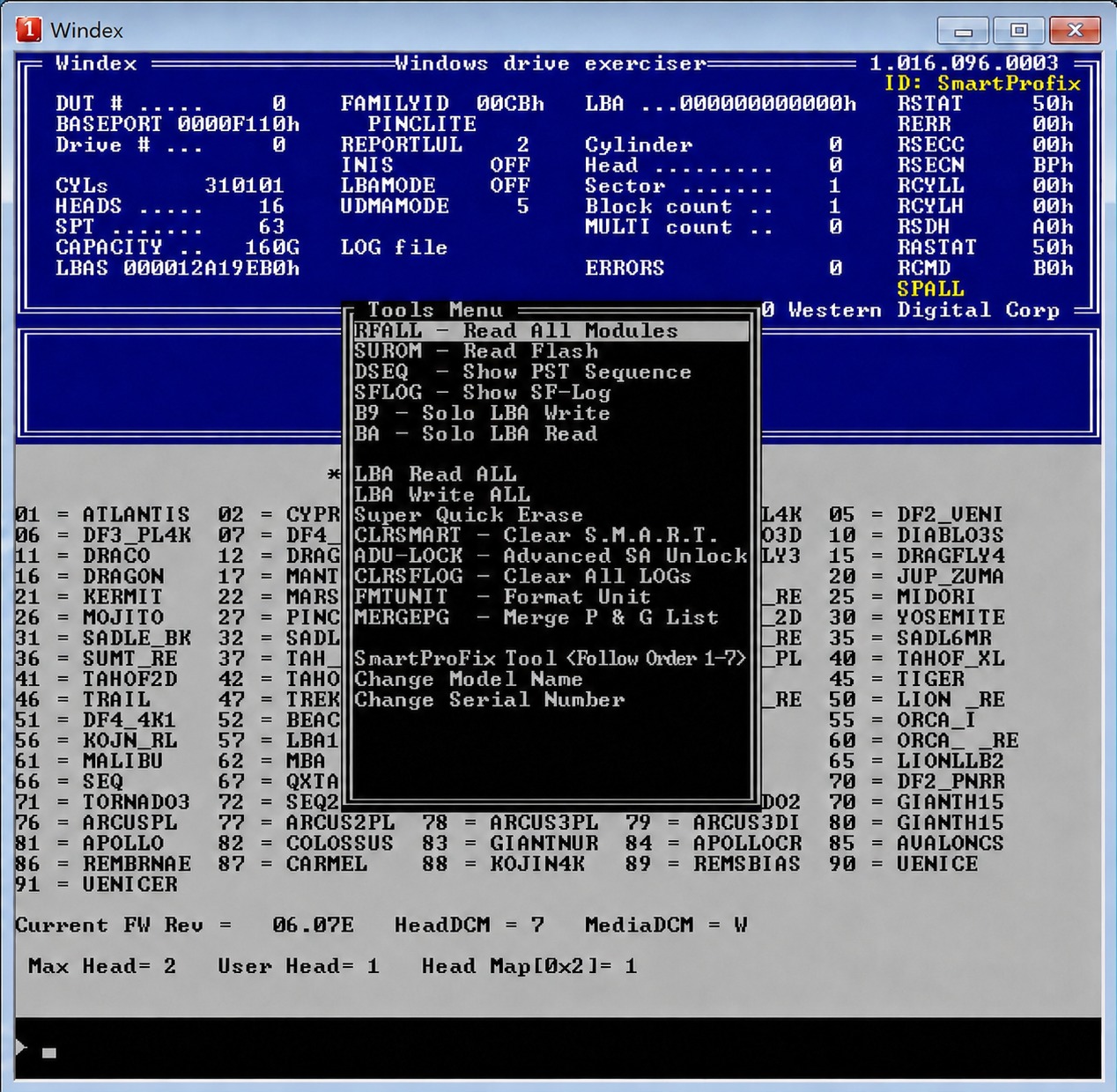
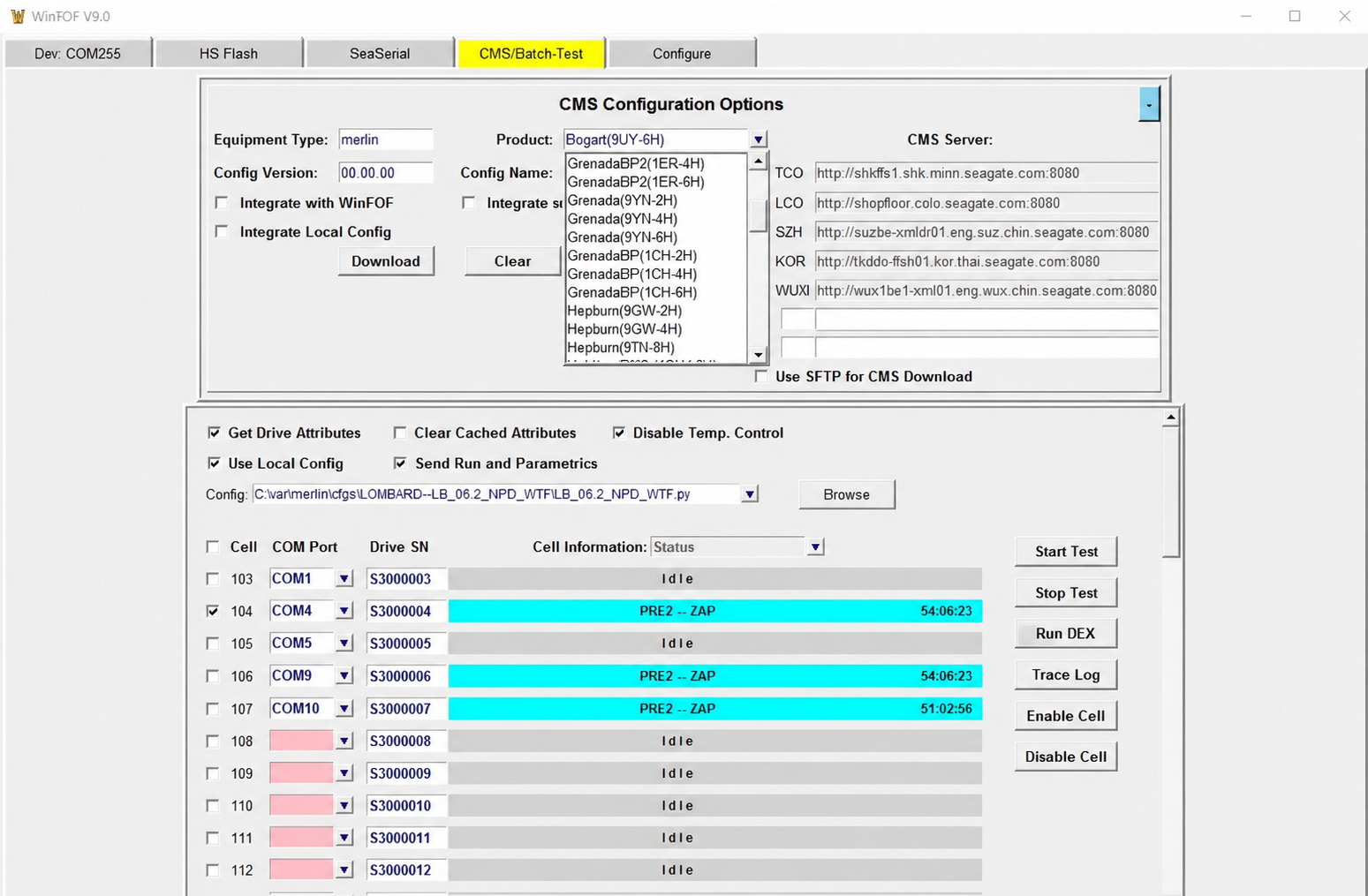
The following image shows the WDR program interface after selecting the port and identifying the hdd in the program**** Hidden Message *****
In the previous figure, the WDR program interface appears, in which the definition of the hard drive being studied and worked appears
Also, a shortcut bar for commands such as:
DRIVE INFO, SMART, CLEAR SMART RESET POWER, LOGICAL TEST AND FLASH AND MODULES OPRETAONS
And other commands
thanks thanks Thanks will the wdr program supports firmware locked usb hdd's thanks
page:
[1]